
AI jewelry photography, from the photo you already took.
Take a photo of a piece in your hand, on the counter or in the case. The AI photo tools in Flawless POS make a clean product photo, a model photo or a short video from it, and the one you pick goes on the item and your website.
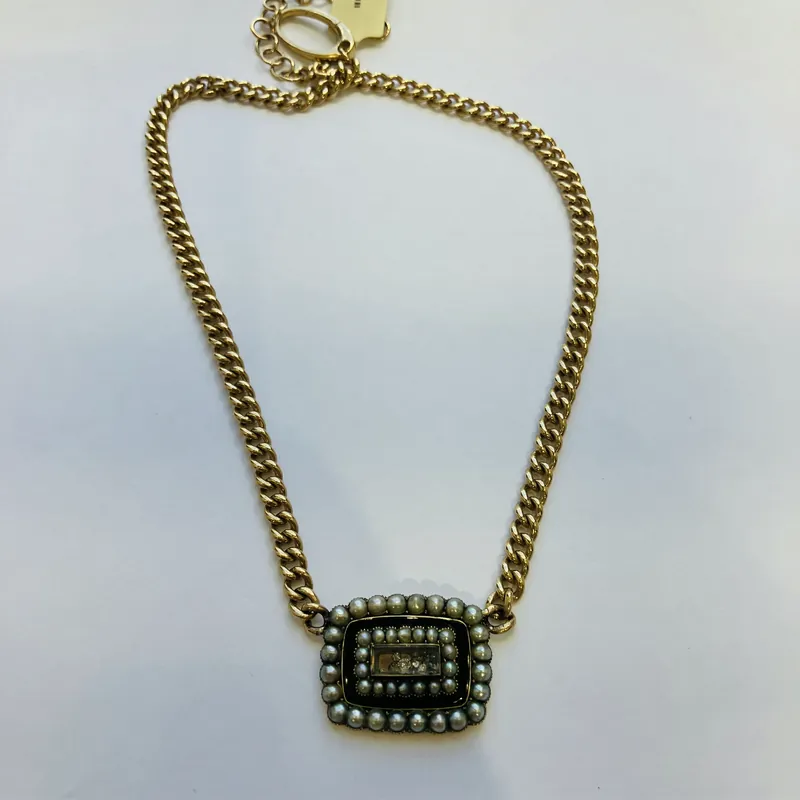 Original
Before and after
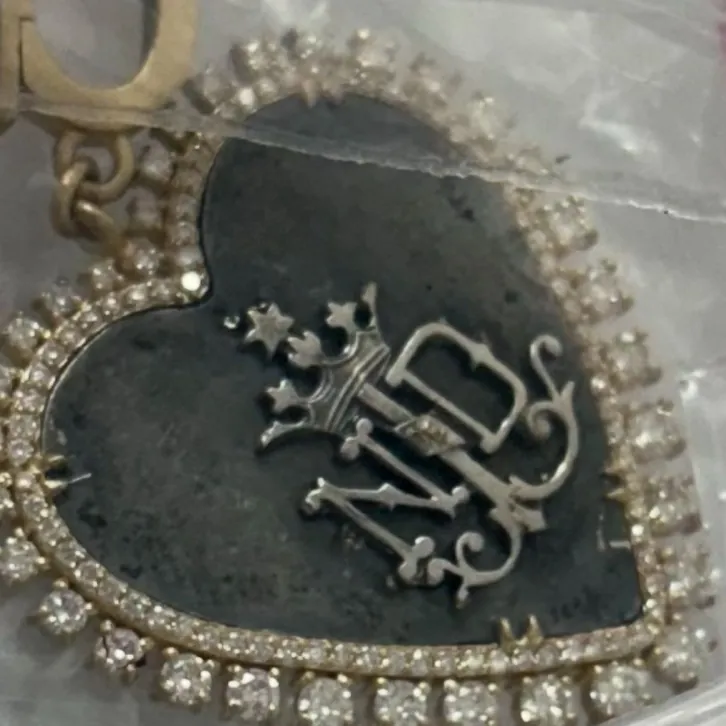
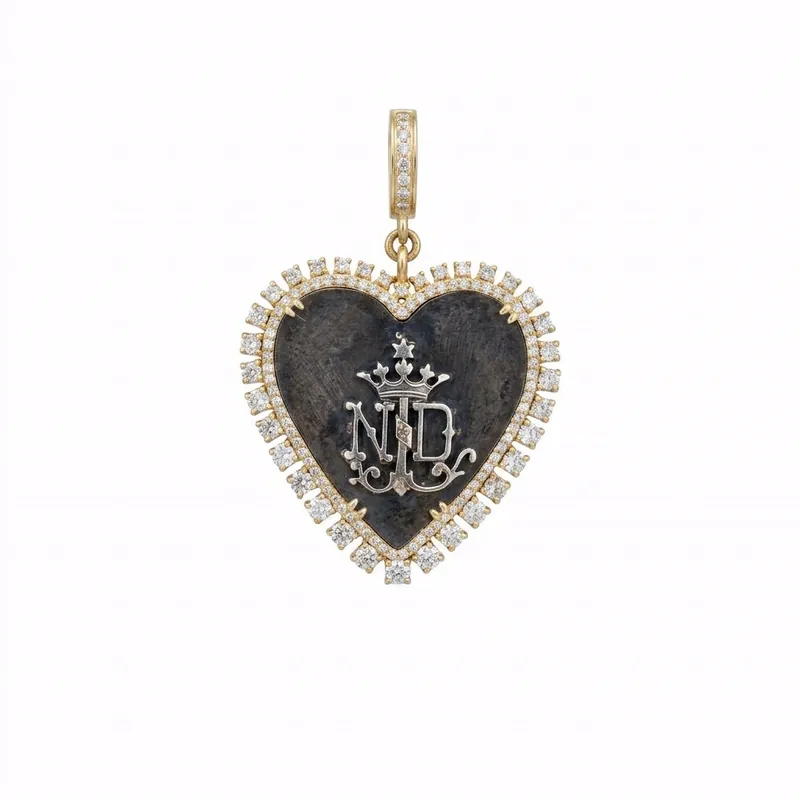
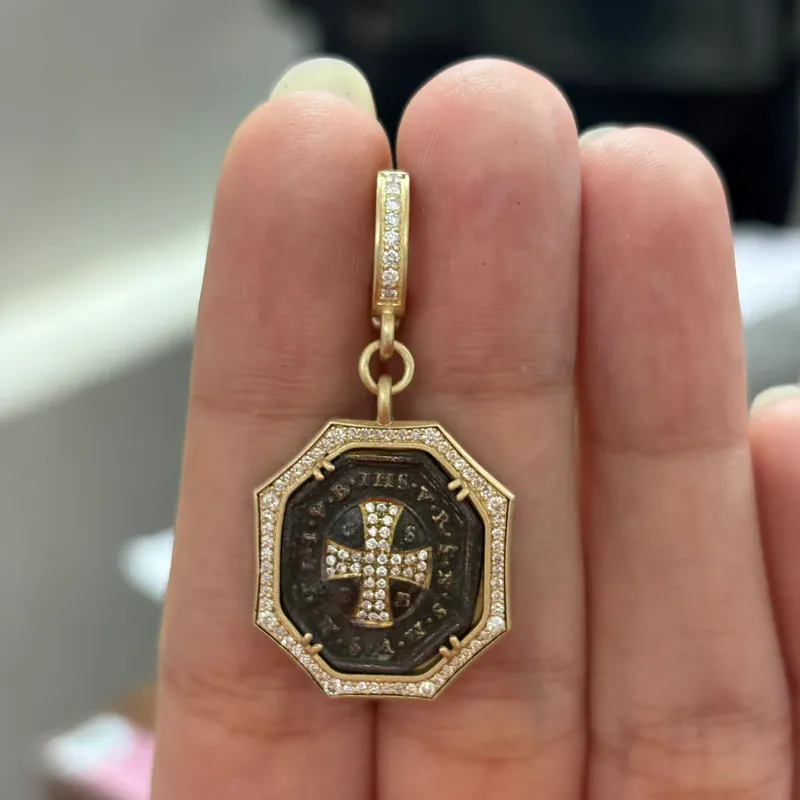
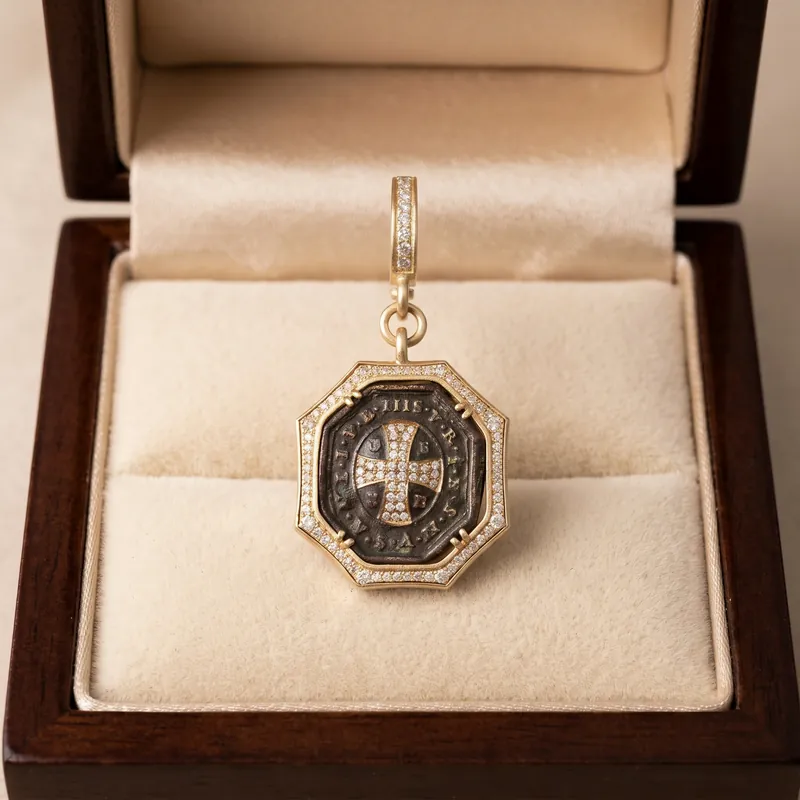
Every piece here is from Cynthia Ann Jewels, which we own and run on Flawless. On the left is the photo from the product record, taken in the store. On the right is what Flawless made from it.
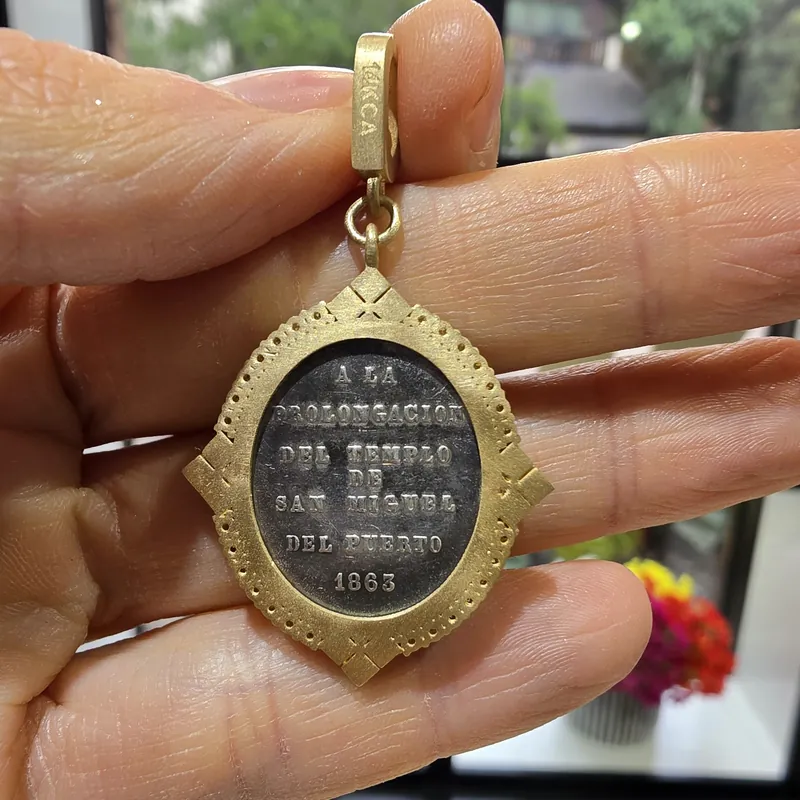 Before
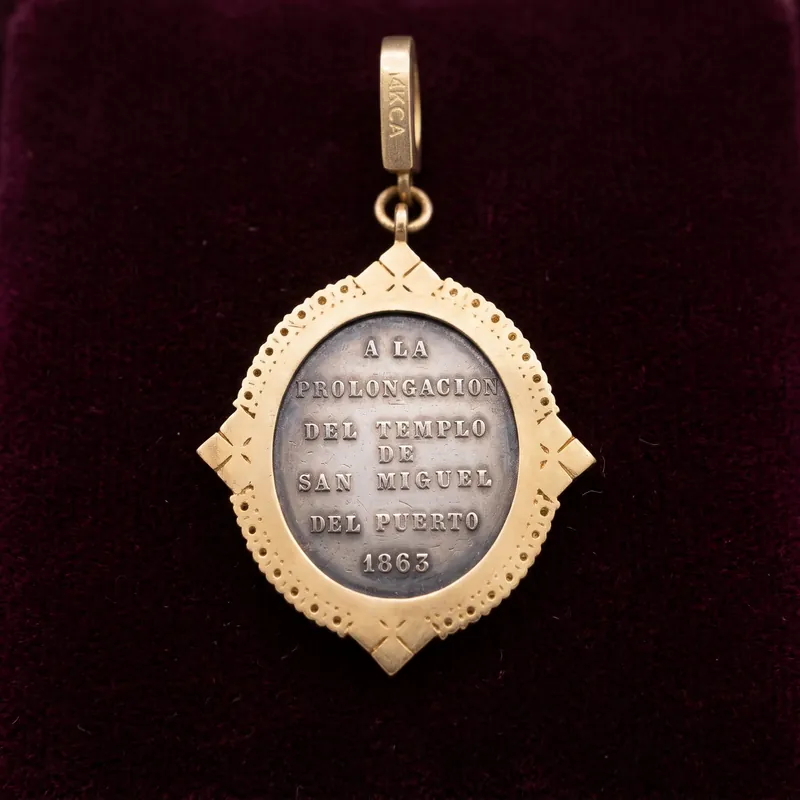 Flawless
Antique St. Michael pendantBefore: held in the hand. After: on velvet.
- Before
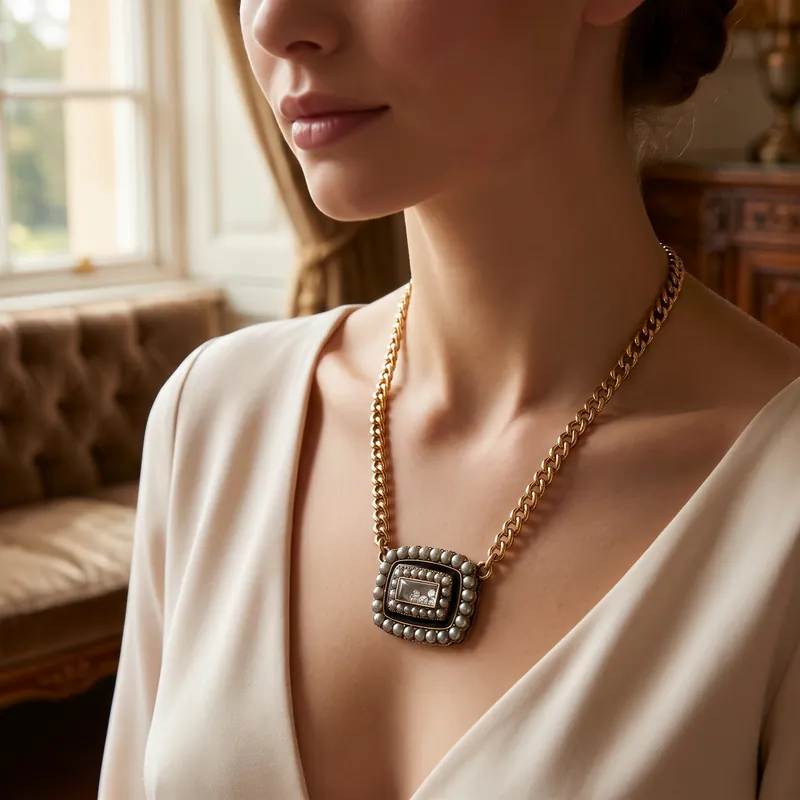 Flawless
Victorian pendant necklaceBefore: on a table. After: on the neck, by a window.
 Before
 Flawless
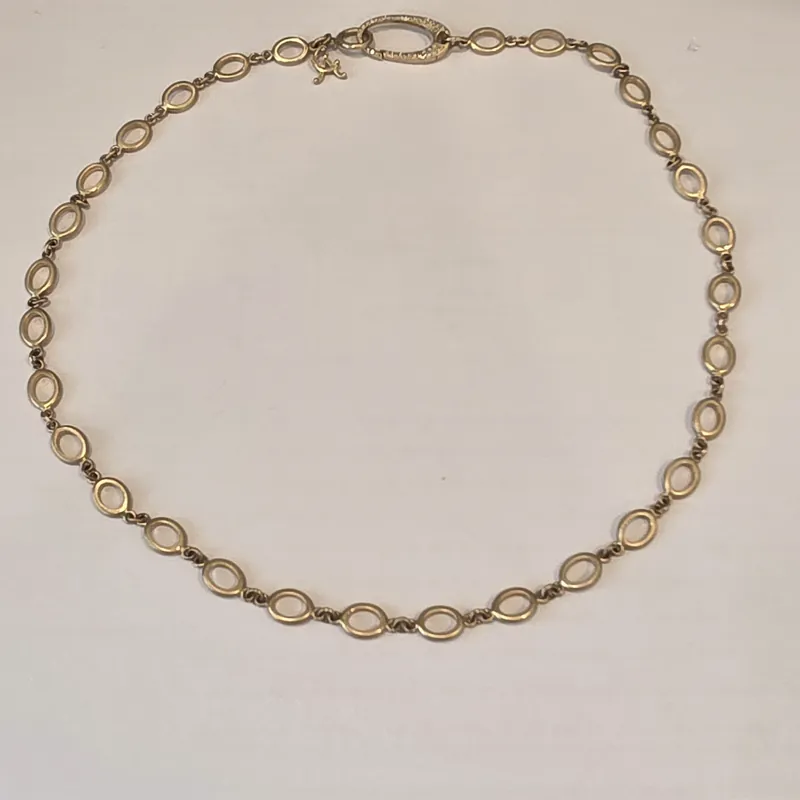
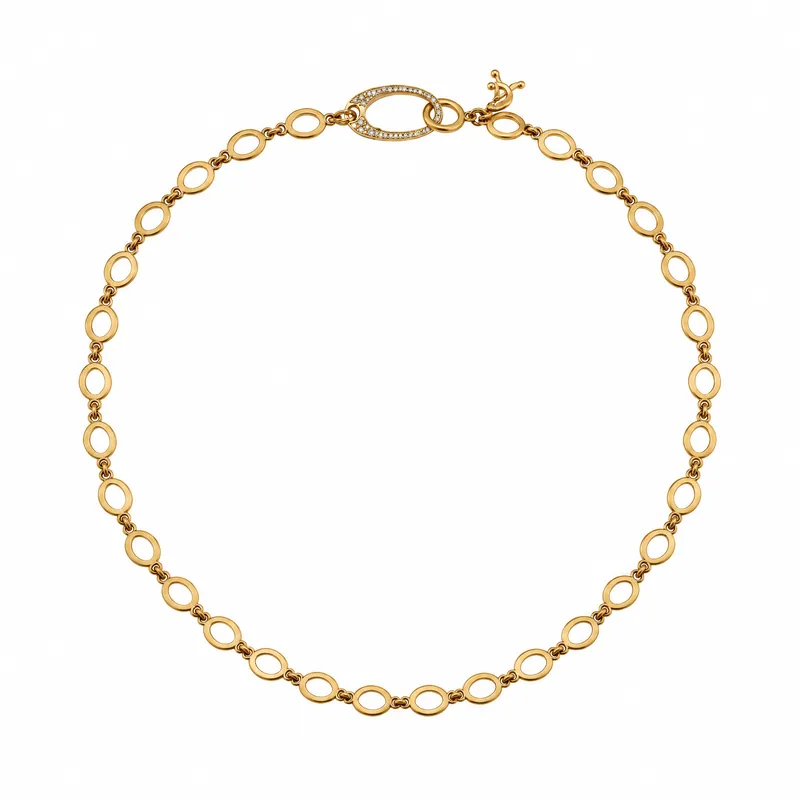
Oval link necklaceBefore: on a desk. After: clean on white.
 Before
 Flawless
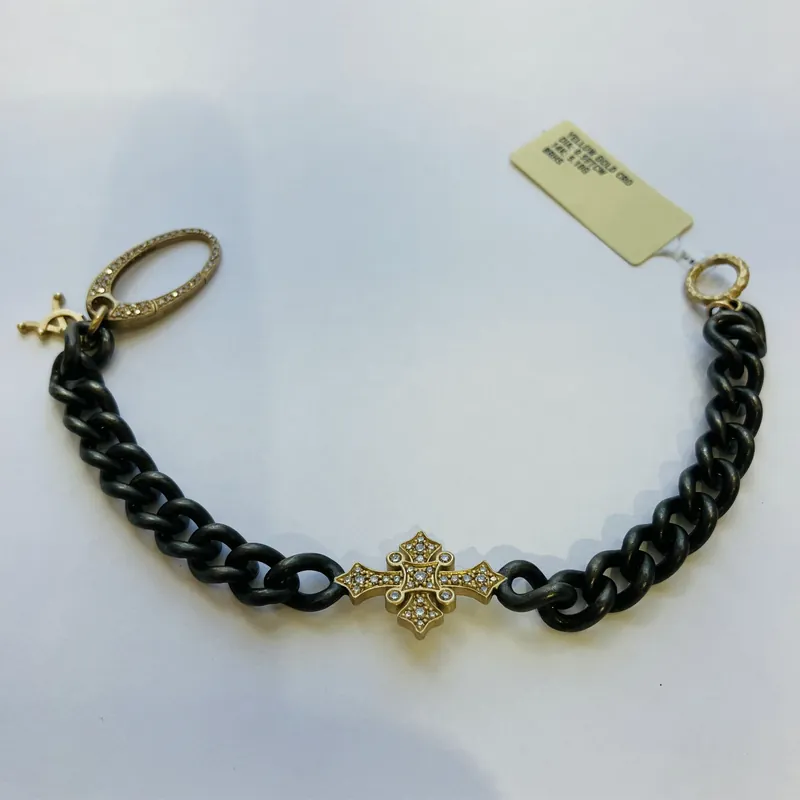
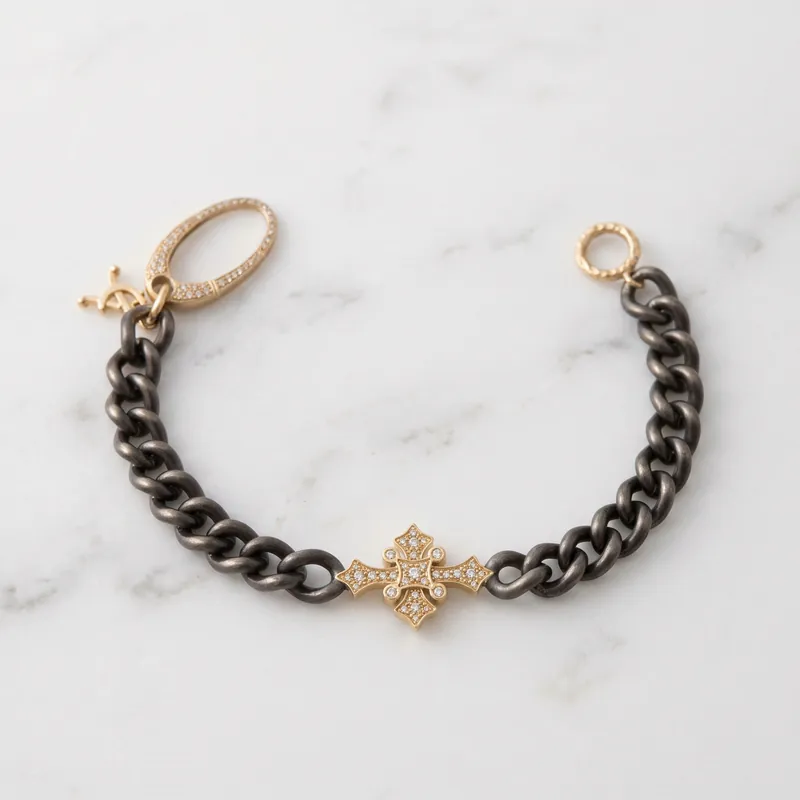
Cross braceletBefore: with the price tag on. After: on marble.
 Before
 Flawless
Notre Dame heart pendantBefore: still in its bag. After: clean on white.
 Before
 Flawless
St. Benedict pendantBefore: held in the hand. After: in a gift box.
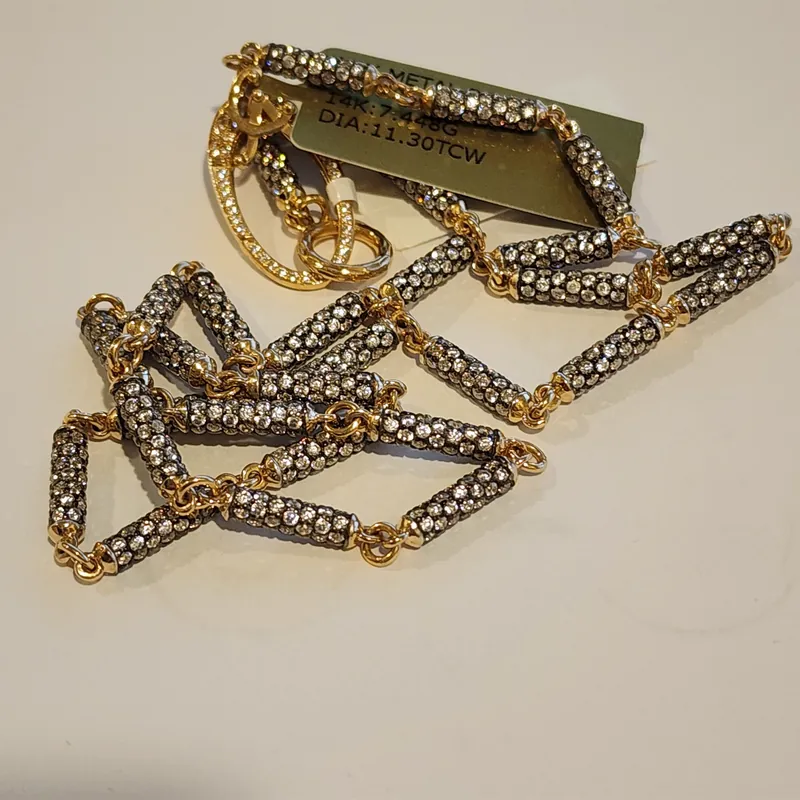 Before
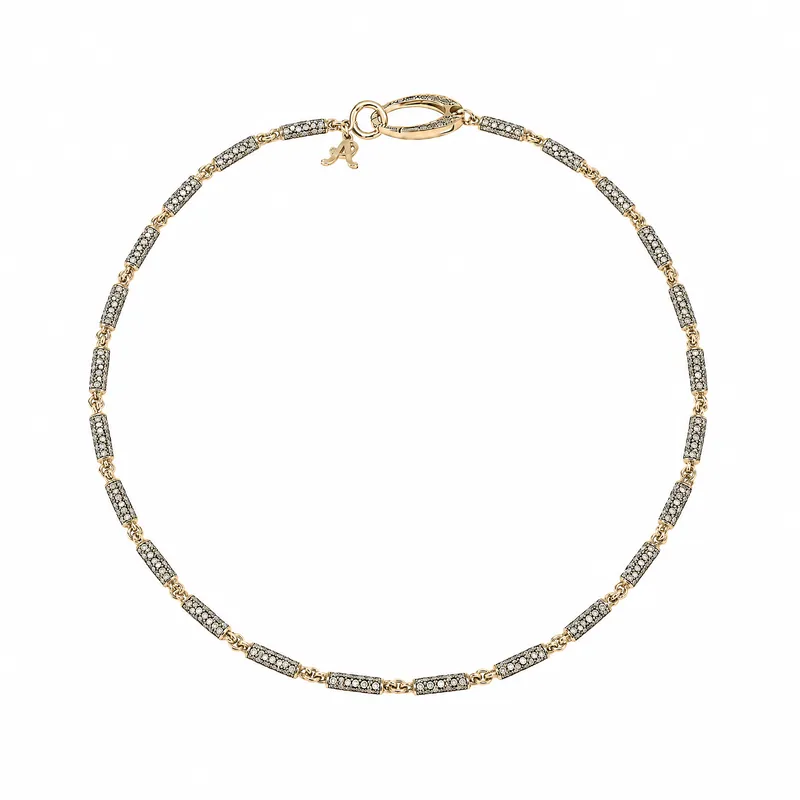 Flawless
Diamond barrel chainBefore: tangled, with the tag on. After: laid out on white.
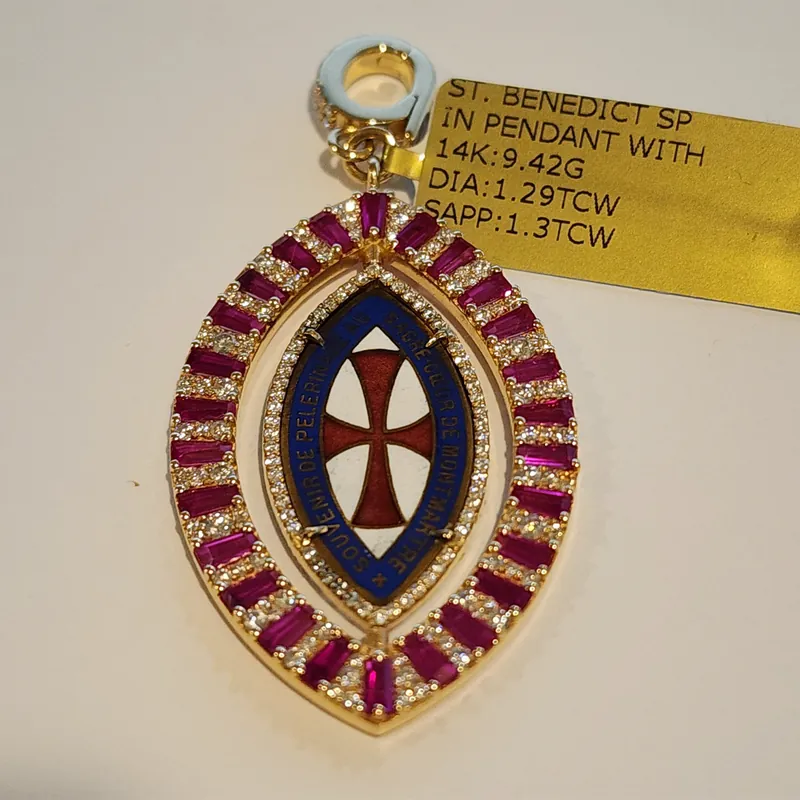 Before
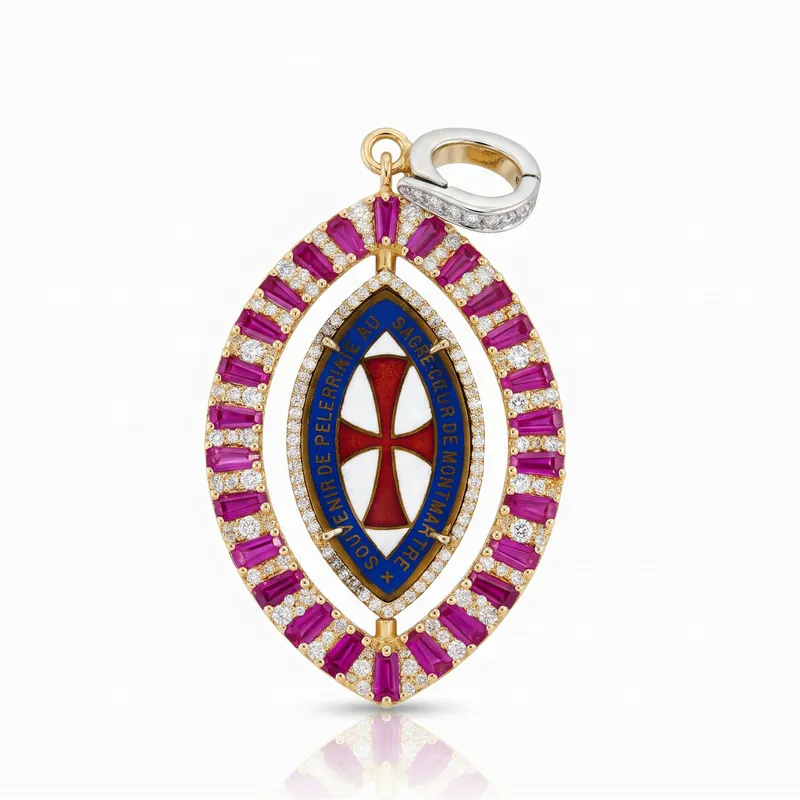 Flawless
Enamel spin pendantBefore: with the price tag on. After: on white, with a reflection.
How it works
Take the photo
In the hand, on the counter or in the case is fine. The sharper the photo, the better the result.
Choose a look
Open Alter Image with AI on the photo and pick a catalog photo, a lifestyle scene or a model photo, then the shape: square, landscape or portrait.
Check it
Compare it with your photo. Tweak the light or the size of the piece, or try again from the original.
Use it
Press Use Image and the photo goes on the item, and from there to your website.
Looks to choose from
All of these are in Alter Image with AI, the photo editor on every product photo.
- Catalog
- Clean white background, white with a soft shadow, white with a reflection, or a detail close-up.
- Lifestyle
- On velvet, on marble or in a gift box, or your own scene from a reference photo you upload.
- Model
- A formal indoor portrait, window light, golden hour outdoors, a city setting, a studio, a beach or a garden. Pick the model's skin tone, hair color and age.
- Video
- A short video from any photo, in 720p or 1080p: elegant motion, slow zoom, 360 spin, a luxury reveal, sparkle and light, floating or cinematic.
- Tweaks
- Make the piece smaller or larger, brighten or soften the light, warm or cool the tones, add sparkle, center the piece or clean up the background. On model photos, change the outfit.
- Right size
- Enter the width, height and depth of the piece so the AI can show it at the right size, on a model too.
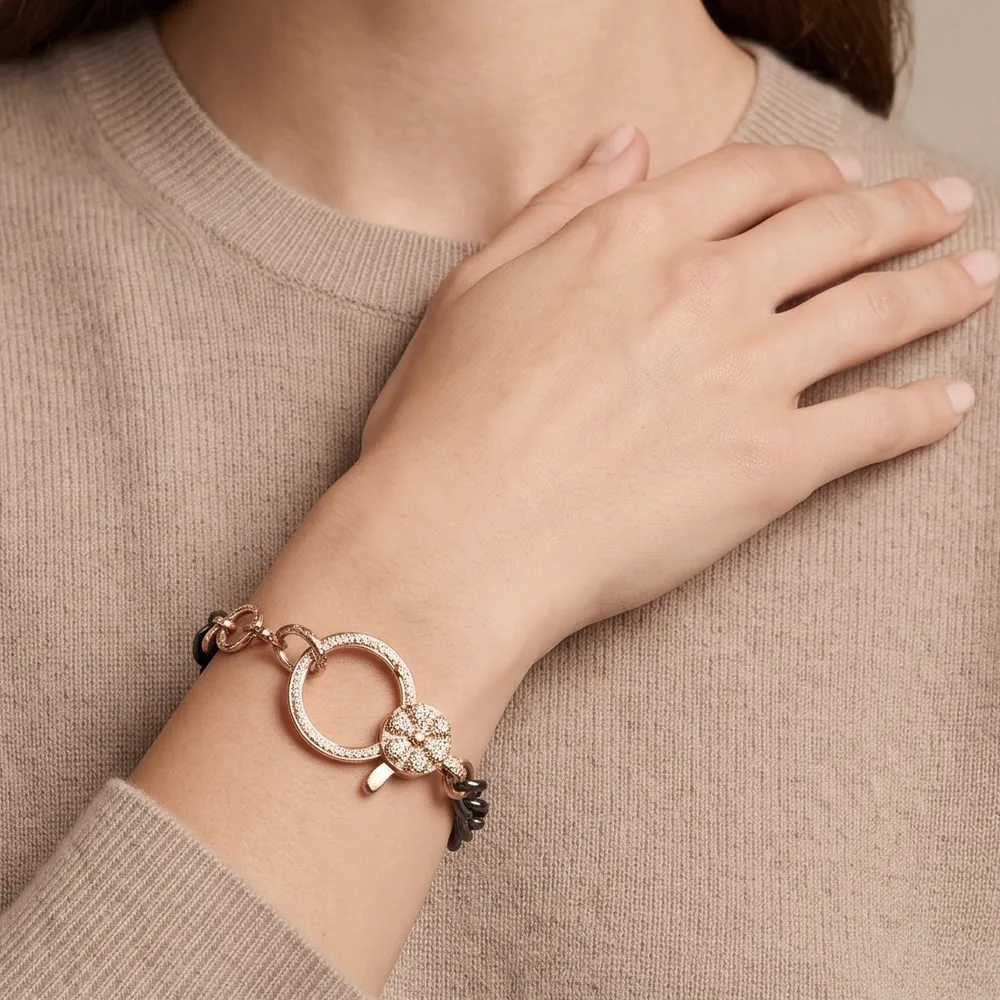
Model photos and video
Show how a piece looks when it is worn, without booking a model or a photographer. This bracelet was on a display pillow in the case when its photo was taken.
Every built-in look tells the AI to keep the piece as it is: the design, the stones and the number of pieces. It can still get a detail wrong, so compare each result with your photo before you use it.
- Seven model scenes, or your own
- The model's skin tone, hair color and age
- Turn any photo into a short video
Your whole catalog at once
Select products in the product list and open AI Product Studio. It makes e-commerce product photos, model shots included, in about 5 minutes.
- Pick what to make
- Product photos, model photos or both, in the photo style you choose, with your own direction for the photos and the model.
- Approve each photo
- Nothing is saved until you approve it. Tweak a photo, keep the original, or approve them all at once.
- Saved where they belong
- The product photo becomes the main photo and the model photo is added as an extra photo.
- Or let it run
- Turn on Product AI Automation and Flawless makes photos when an original photo is added to an online product. They are added as extra photos, and show on your website only if you turn on automatic publishing.
The platform is intuitive, RFID tracking is exceptionally well executed, reporting is deep without being overwhelming, and the AI features are practical rather than gimmicky.
 Morgan MurriKessler Fine Jewelry
Where the photos go
- The item
- Saved to the product record in Flawless.
- Your website
- Your website is synced with your inventory, so it shows the new photo. See website and online store.
- Product feeds
- Your Google, Facebook and Instagram product feeds use the item's photos.
- Page builder
- Right-click a photo on a website page and choose Edit Image with AI.
- Email campaigns
- The same tools open from your email campaigns.
- Appraisals
- Clean product photos for appraisals, made the same way.
Common questions
What is AI jewelry photography?
Using AI to make product photos, model photos and video from an ordinary photo of a piece. In Flawless POS the tools are part of the product record, so the photo you pick goes straight on the item and your website.
Do I need a light box?
No. Start from a clear photo taken in the store. Every example on this page started that way: in the hand, on a desk, in the case or in its bag. The sharper the photo, the better the result.
Will the AI change my jewelry?
Every built-in look tells the AI to keep the piece as it is: the design, the stones and the number of pieces. It can still get a detail wrong, such as the color of a stone or a small charm, so compare each result with your photo before you use it. You can tweak it, try again from your original, or keep your original.
Can it make model photos?
Yes. Choose Model Photo and a scene: a formal indoor portrait, window light, golden hour outdoors, a city setting, a studio, a beach or a garden, or your own scene from a reference photo. You can pick the model's skin tone, hair color and age.
Can it make videos?
Yes. Make a short video from any photo in 720p or 1080p, with the motion you choose, such as a slow zoom, a 360 spin or sparkle and light. The video at the top of this page is 10 seconds long.
Can I do my whole catalog at once?
Yes. Select products in the product list and open AI Product Studio. Choose product photos, model photos or both, and approve each photo before it is saved. The product photo becomes the main photo and the model photo is added as an extra photo.
Where do the photos go?
On the item, so your website and your Google, Facebook and Instagram product feeds show them. The same tools work in the website page builder, email campaigns and appraisals.
Related
Website and online store
Built from your inventory.
Inventory
Jewelry details, receiving, counts and transfers.
Claude connector
Send Claude a photo of an invoice to receive stock.
Pricing
$500 a month per store, unlimited users, first month free.
Guides
AI jewelry product photos
What AI photos can do, and a checklist before you publish.
AI website builder
Building a jewelry store website with AI.
Receiving inventory
From invoice to tagged piece.
The original photos come from the product records of Cynthia Ann Jewels, which we own. The results were made from them with the AI photo tools in Flawless POS.
See the AI photo tools in a demo
A 30-minute walkthrough with our team. Bring your questions about photos, your website or switching systems.
Questions first? Email help@flawlesspos.com or send us a message.