
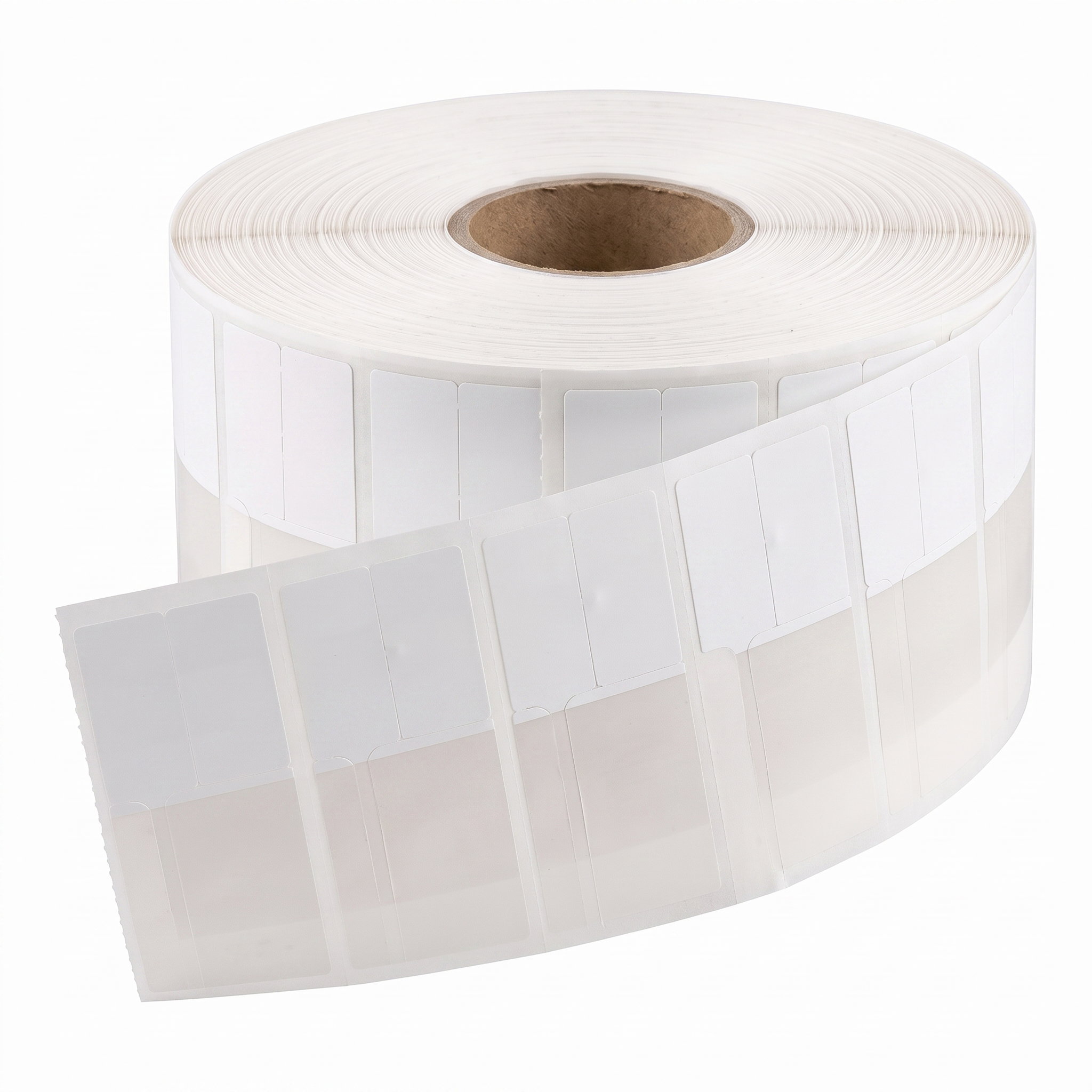
RFID jewelry tags
Tags on a roll
- Size
- 2 x 4 PET tags
- Colors
- White, gold, green and beige, 2,000 per roll
Flawless POS prints your jewelry tags as pieces come in: the price, a barcode and the details you choose, on RFID or standard tags. The RFID tags, the tag printers and the RFID readers come from us, set up by the same team that sets up your software.
What a tag can show
Receive the stock in Flawless, or send a photo of the vendor's invoice through the Claude connector.
Choose Print Product Tags. Preview Labels shows the tags before anything goes to the printer.
On an RFID tag, the printer writes the piece into the tag's chip as it prints, and every tag gets its own number.
Scan the barcode at the counter, or let an RFID reader find the tags at checkout and in your counts.
Each store's layout uses a few of these. Our team builds the layout for your tags and assigns it to your printer.
Order through our team: send a request on any item and we confirm the price, availability and delivery for your store. Hardware is optional. If you already have a tag printer or reader, ask our team before you order. The full line-up is on the hardware page.
Tags on a roll

RFID tag printer
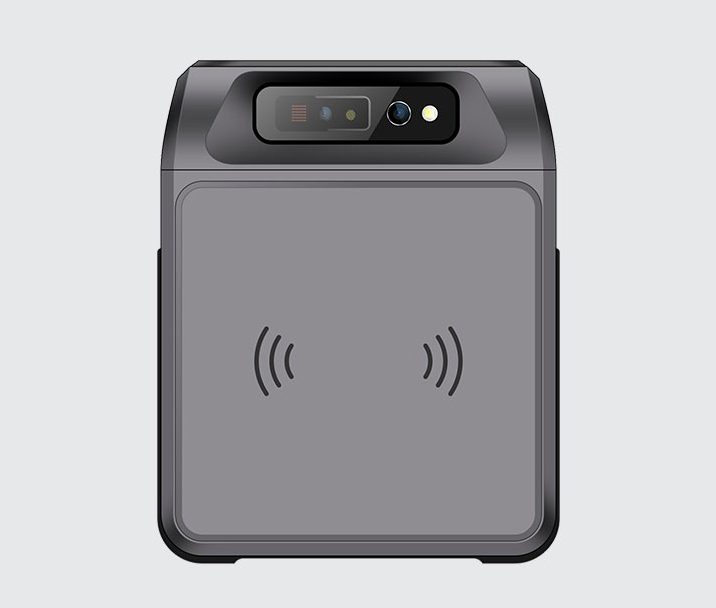
Pistol-grip reader
I also love the RFID tag reading capability - it's made doing inventory regularly a no-hassle event.
 Scott ChengMerry Richards Jewelers
Yes, RFID jewelry tags: 2 x 4 PET tags in white, gold, green and beige, 2,000 to a roll. You print and encode them in your store on the Postek ZX3R. Order them through our team, which confirms the price, availability and delivery before anything ships.
Flawless supplies the Postek ZX3R, an industrial 300 dpi thermal printer with a built-in UHF RFID encoder. It prints direct thermal or thermal transfer up to 4.16 in wide and connects by Ethernet, USB or RS-232. Our team sets it up with your Flawless account. Flawless prints standard tags as well as RFID tags, and supplies both kinds of tag printer.
Your layout can include the price, SKU, a barcode, the title, designer, metal, stone weights, color and clarity, the certificate lab and number, ring size and band width, and up to eight lines of your own text for each product. Our team builds the layout for your tags and can use a different layout for different kinds of pieces. Preview Labels shows the tags before they print.
Either or both. Flawless prints RFID and standard tags. If you use RFID, keep a printed description and barcode on the tag as a backup, so a piece can still be scanned or looked up if its tag stops reading.
Right after receiving, with Print Product Tags. Also from the product list for many products at once, from a single product to reprint a tag, and from transfers, vendor memos, wholesale memos, invoices and sales orders. With the Claude connector, a photo of a vendor's invoice becomes a receive, and the tags print once you enter the code we text you.
No. The Postek tag printer keeps its own connection to Flawless over your store network, so you can print tags from any computer or tablet signed in to Flawless while the printer is online.
Walk a case or the whole store with an Android handheld RFID reader. Count by vendor or sweep everything. The reader needs no line of sight, and blind scans continue across several people and devices. Scans sync to Flawless, where you review, approve and reconcile them. See RFID inventory.
Yes. An RFID checkout reader on the counter reads the tags of the pieces in front of it, so they go onto the sale without scanning each barcode. RFID checkout is part of Flawless POS.
Flawless POS is $500 a month per store with unlimited users, month to month, and the first month is free. That includes RFID counts and RFID checkout. Tags, printers and readers are optional hardware: send a request and our team confirms the current price, availability and delivery for your store. See pricing.
Card terminals, receipt printers, RFID readers and tag printers.
Count a case or the whole store with a handheld reader.
From receiving to the count.
$500 a month per store, unlimited users, first month free.
How it works and what to expect.
From invoice to tagged piece.
A step-by-step guide.
Product names are trademarks of their respective owners. Flawless POS is not affiliated with them.
A 30-minute walkthrough with our team. Bring a photo of your current tags and your questions about printers and RFID.
Questions first? Email help@flawlesspos.com or send us a message.
Before you go
Where should we reach you?